Dishwasher Reset Guide & Timer
Select Your Brand
Click your dishwasher brand to see specific reset steps.
Instructions
Select a brand above to view reset steps.
Symptom Checklist
Does your dishwasher show these signs?
- Error code on display (F1, E24, LE)
- Door won't latch or unit won't start
- Cycle stops prematurely
- Lights flash in unusual patterns
- Humming noise but no water pumping
When to Call a Pro
Resetting won't fix these issues:
- Persistent leaks under the unit
- Burning smell during cycles
- No water entering the tub
- Error codes return immediately after reset
- Dishes come out unwashed despite correct loading
Your dishwasher has stopped mid-cycle. The lights are blinking, the water isn't draining, or it just refuses to start at all. Before you call a technician and spend hundreds of dollars, there is one simple step that fixes most modern dishwashers automated kitchen appliances designed to clean dishes using high-pressure water jets and detergent.: resetting the control board.
A reset clears temporary electronic glitches, memory errors, and sensor conflicts. It’s like rebooting your computer when it freezes. In many cases, this takes less than two minutes and requires no tools. If you’re wondering how to reset a dishwasher, the method depends entirely on your brand and model type. Some units have a dedicated button, while others require a specific sequence of presses or a power disconnect.
Why Does Your Dishwasher Need a Reset?
Dishwashers are essentially computers with motors and pumps. They rely on microprocessors to manage temperature, timing, and water levels. When power surges occur, Wi-Fi signals drop (for smart models), or sensors get confused by hard water minerals, the system can lock up. This is often called a 'logic error.'
You might notice these symptoms before attempting a reset:
- The display shows an error code like F1, E24, or LE.
- The door won’t latch, or the unit won’t start even though the door is closed.
- The cycle stops prematurely without completing the wash.
- Lights flash in a pattern that doesn’t match any active cycle.
- The machine makes humming noises but doesn’t pump water.
Resetting forces the control board to clear its temporary memory and re-initialize all sensors. It does not fix mechanical failures like broken pumps or clogged filters, but it eliminates false alarms caused by software hiccups.
Universal Reset Method: Power Cycle
If your manual is missing or you’re unsure about brand-specific steps, the universal reset works on nearly every dishwasher made since 2000. This method involves cutting power completely to drain residual electricity from capacitors.
- Turn off the dishwasher using the main power button if available.
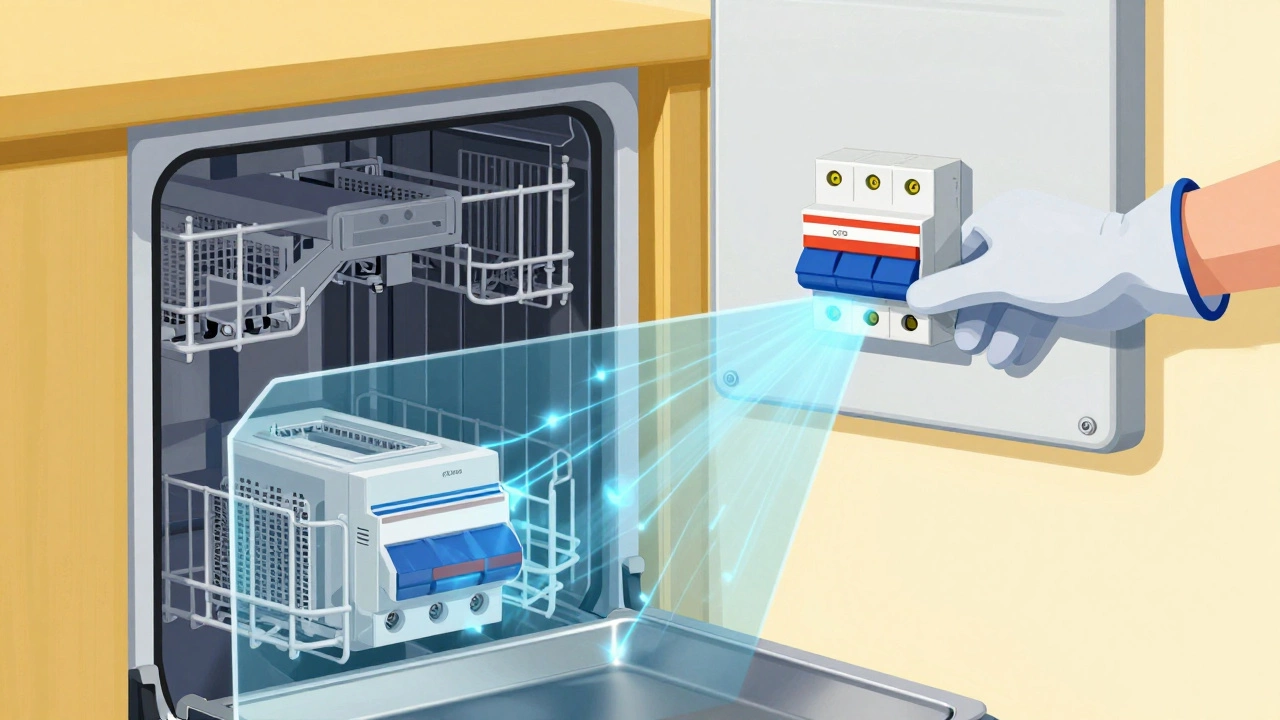
- Locate the circuit breaker in your home’s electrical panel. Find the switch labeled 'Kitchen' or 'Appliances.'
- Flip the breaker to OFF. Wait exactly 60 seconds. This waiting period is crucial-it allows internal components to fully discharge.
- Flip the breaker back ON.
- Press the Start button on the dishwasher. Most models will beep once or display a blank screen briefly before returning to normal operation.
This approach works because it physically removes voltage from the control board. Unlike pressing buttons, which may only trigger a soft reset, a full power cycle ensures all volatile memory is cleared. For safety, always ensure your hands are dry when touching electrical panels.
Brand-Specific Reset Procedures
While the power cycle is reliable, many manufacturers include faster built-in reset sequences. These vary significantly by brand. Here’s how to handle the most common brands found in homes today.
| Brand | Reset Method | Time Required |
|---|---|---|
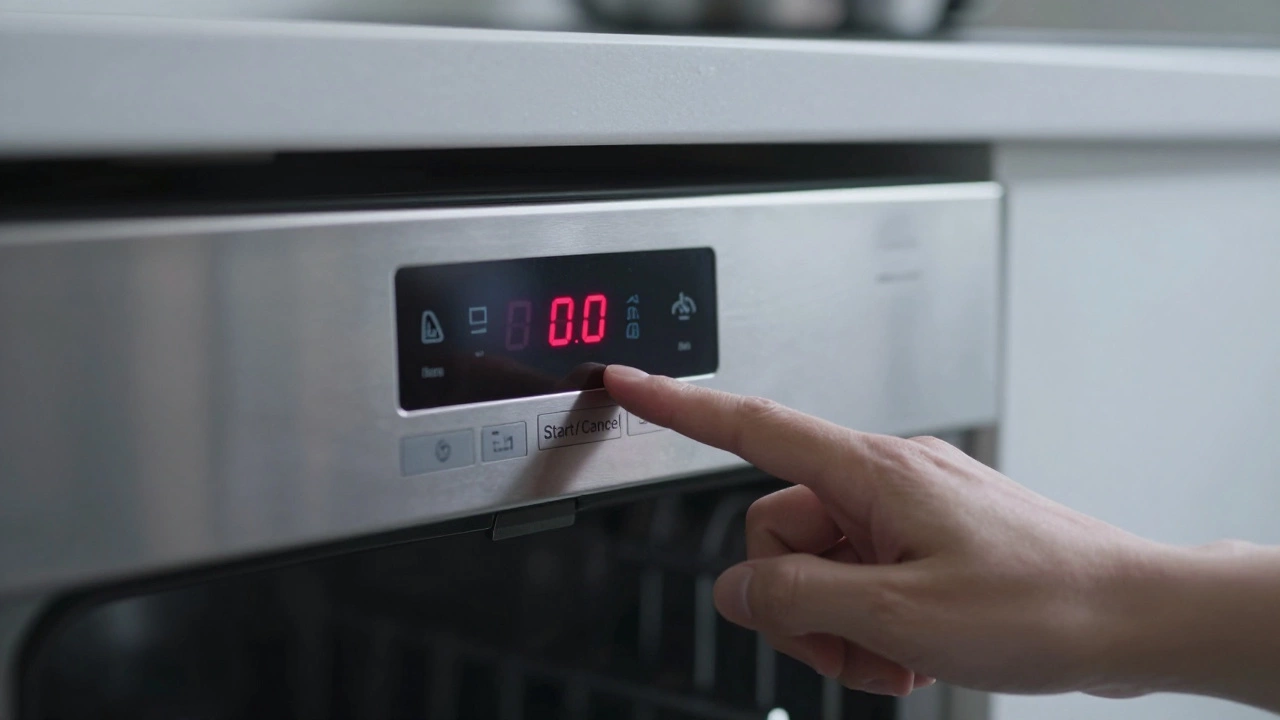
| Bosch | Hold 'Start/Cancel' for 3-5 seconds until beeps stop | 10 seconds |
| Whirlpool | Press 'Heated Dry' then 'Normal' simultaneously for 3 seconds | 5 seconds |
| Samsung | Hold 'Power' and 'Delay Start' together for 5 seconds | 7 seconds |
| GE | Press 'Clean' then 'Rinse Only' then 'Off' rapidly | 10 seconds |
| Frigidaire | Unplug for 1 minute OR hold 'Start' for 5 seconds | 1-2 minutes |
| Maytag | Press 'Power' then 'Heavy Wash' then 'Start' | 5 seconds |
Note that button labels may vary slightly depending on your model year. If your controls are touch-sensitive rather than physical buttons, press and hold firmly. Some newer models use LED indicators instead of displays-watch for light patterns during the reset process.
Smart Dishwashers: App-Based Resets
If you own a connected appliance from brands like LG ThinQ, Bosk Home Connect, or Samsung SmartThings, you can often reset the device remotely via smartphone app.
Open your manufacturer’s app and navigate to the device settings. Look for options labeled 'Restart Device,' 'Factory Reset,' or 'Clear Error Codes.' Confirm the action, and the dishwasher will reboot automatically. This method is particularly useful if the control panel is unresponsive due to a frozen interface.
However, keep in mind that app-based resets don’t address hardware issues. If the problem persists after a remote reset, proceed to the power cycle method described earlier. Also, ensure your Wi-Fi network is stable before initiating a smart reset-intermittent connections can cause incomplete reboots.
What to Do After Resetting
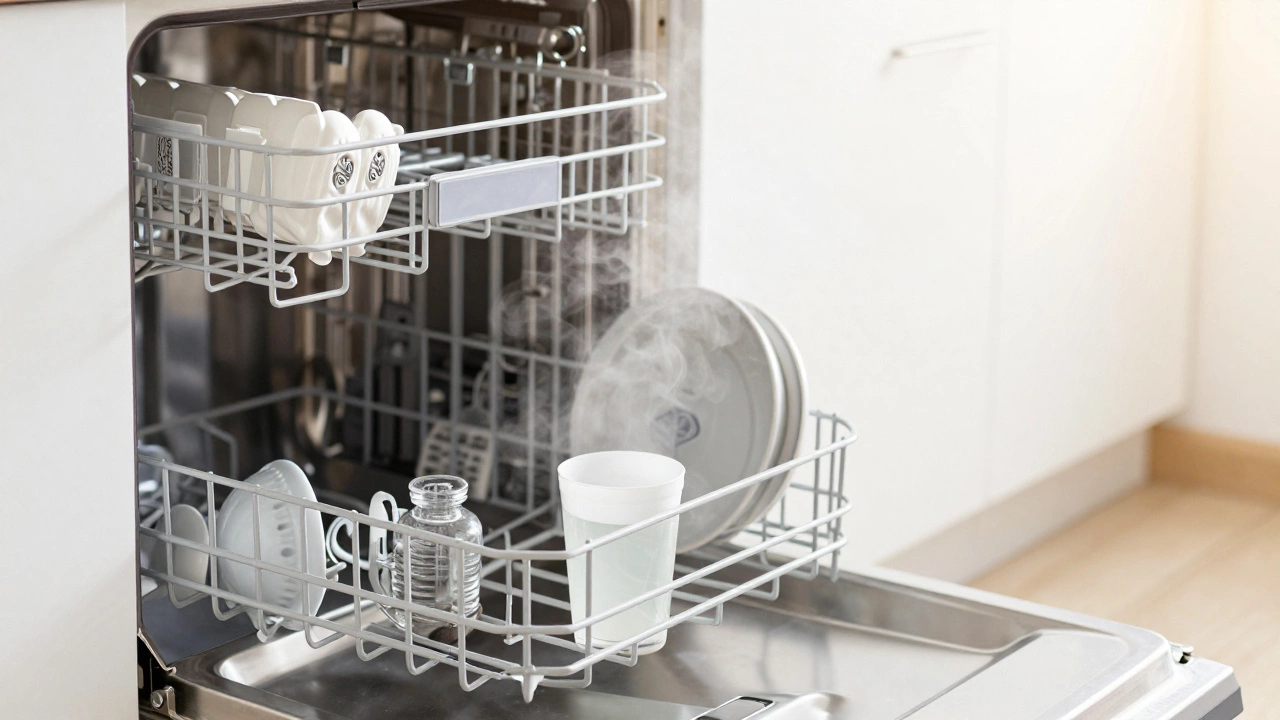
Once your dishwasher has been reset, don’t immediately load dirty plates. Instead, run a test cycle with no dishes inside. Add a cup of white vinegar to the bottom rack to help clean internal components and neutralize odors. Run the shortest available cycle, such as 'Quick Wash' or 'Rinse Only.'
During this test, observe the following:
- Does the door latch securely?
- Is water filling properly?
- Are there unusual noises from the pump or motor?
- Does the cycle complete without stopping?
If everything runs smoothly, your issue was likely a temporary glitch. Load your dishes normally afterward. If problems persist, note any error codes displayed-they’ll help diagnose deeper issues like clogged spray arms, faulty heating elements, or drainage blockages.
When Resetting Won’t Help
Resets solve electronic confusion, not mechanical failure. You’ll need professional assistance if you encounter these scenarios:
- Persistent leak under the unit: Indicates worn door gaskets or cracked tubs.
- Burning smell during cycles: Suggests overheating motors or electrical shorts.
- No water entering the tub: Could mean a failed inlet valve or kinked supply line.
- Error codes return immediately after reset: Points to persistent sensor or component failure.
- Dishes come out unwashed despite correct loading: May indicate broken spray arm bearings or low water pressure.
In these cases, continuing to reset the unit wastes time. Contact a certified technician who can perform diagnostic tests with multimeters and pressure gauges. Many repair services offer free estimates, so you won’t know the cost until they’ve inspected the problem.
Preventing Future Glitches
To minimize the need for future resets, adopt these maintenance habits:
- Clean the filter monthly by removing debris and rinsing under warm water.
- Wipe the door seal weekly to prevent mold buildup that interferes with latching mechanisms.
- Use rinse aid to reduce mineral deposits on interior surfaces.
- Avoid overloading racks, which strains motors and causes uneven water distribution.
- Run a self-clean cycle quarterly using commercial dishwasher cleaner or baking soda.
Hard water areas benefit from installing a whole-house water softener. Mineral buildup accelerates wear on valves and sensors, increasing the likelihood of logic errors. Regular upkeep extends lifespan and reduces unexpected breakdowns.
Will resetting my dishwasher erase custom settings?
Most basic resets preserve user preferences like delay start times and eco-mode selections. However, factory resets performed through apps or advanced menus may restore default configurations. Check your manual to confirm whether your model retains saved programs after a standard reset.
How long should I wait after turning off the power before restarting?
Wait at least 60 seconds. This duration ensures capacitors inside the control board fully discharge their stored energy. Rushing this step might result in an incomplete reset, leaving the same error condition intact.
Can I reset a dishwasher without unplugging it?
Yes, most modern dishwashers allow button-combination resets without disconnecting power. Refer to your brand’s specific instructions above. Unplugging or flipping breakers is reserved for stubborn cases where button methods fail.
Why does my dishwasher show error code F1 after resetting?
Code F1 typically indicates a keypad malfunction or communication error between the control panel and main board. Try cleaning the control area with a damp cloth. If the code returns, the touchpad may need replacement-a job best left to professionals.
Is it safe to reset a dishwasher during a running cycle?
It’s generally safe but not recommended unless necessary. Interrupting mid-cycle leaves standing water inside, which can lead to odors or mildew growth. Allow the current cycle to finish naturally before performing a reset, unless the machine is stuck indefinitely.
Do older dishwashers have reset functions?
Models manufactured before 1995 usually lack digital controls and therefore don’t support electronic resets. For those units, simply turn the dial to 'Off,' wait five minutes, then restart. Mechanical timers rarely experience logic errors.
Should I remove the door panel to access a reset button?
Never attempt to open the outer casing unless you’re trained in appliance repair. Internal wiring carries lethal voltages even when disconnected from mains power. Stick to external button combinations or power cycling methods outlined here.